 Live Webcams in Kiel
Explore live streaming views from Kiel, . Check current weather conditions, traffic, and beautiful local spots.
Latest Cameras
24 streams found
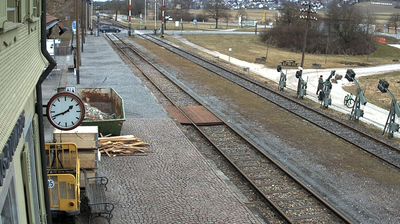
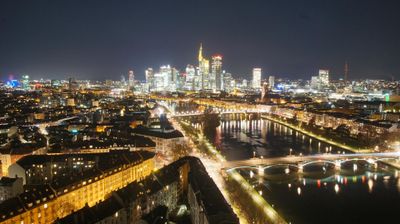

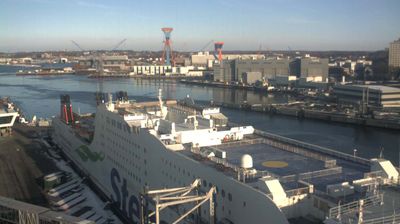

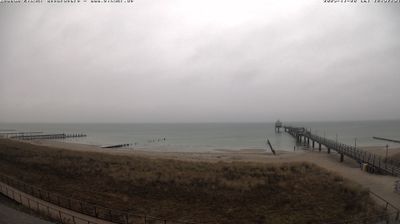
Virtual Travel to Kiel
Whether you are planning a real-world visit or just digital globe-trotting, the live webcams in Kiel offer an unfiltered glimpse into daily life. Watch the sunrise, check the local traffic before your commute, or simply enjoy the urban and natural landscapes that make this location unique. Bookmark this page to easily return and check the live weather conditions anytime.

About Kiel
Kiel is the capital and most populous city in the northern German state of Schleswig-Holstein. With a population of around 250,000, it is Germany's largest city on the Baltic Sea. It is located on the Kieler Förde inlet of the Bay of Kiel and lies in the southeast of the Jutland Peninsula, on the mouth of the Schwentine River, approximately 90 kilometres (56 mi) northeast of Hamburg. The world's busiest artificial waterway, the Kiel Canal, has a terminus in Kiel's Holtenau district. This canal connects the Baltic to the North Sea, with its other end in Brunsbüttel. Most of Kiel is part of Holstein. The boroughs north of the Schwentine also belong to Wagria, while those north of the Kiel Canal are historically part of Southern Schleswig.
📖 Read more on Wikipedia