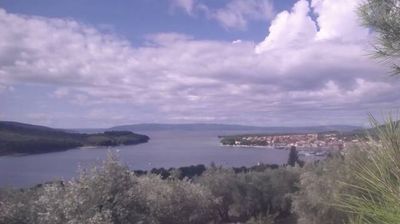
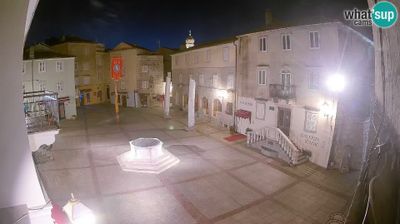
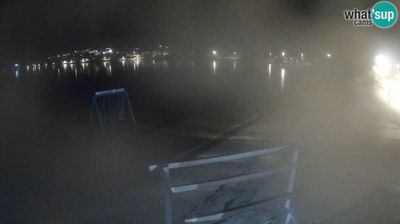
Splitas: Trstenik: Žnjan beach and sports facilities - Split
 Splitas, Kroatija
Real-Time Environment
Welcome to the live streaming webcam for Splitas: Trstenik: Žnjan beach and sports facilities - Split, perfectly situated in the vibrant region of Splitas, Kroatija. Watching this live camera allows you to instantly experience the local atmosphere and monitor current climate conditions.

About Splitas
Splitas – Kroatijos miestas, didžiausias ir svarbiausias Dalmatijoje. Įsikūręs ant mažo pusiasalio rytinėje Adrijos jūros pakrantėje. Absoliuti dauguma gyventojų – kroatai. Be Diokletiano rūmų Splite yra daug bažnyčių, muziejų ir paminklų. Čia galima pamatyti Šv. Pranciškaus bažnyčią, Kroatijos archeologinių paminklų muziejus, Meštrovičiaus galeriją, Nacionalinę dailės galeriją, Archeologijos muziejų, Dievo Motinos Malonės bažnyčią Popjude.
📖 Read more on Wikipedia📍 Location Facts
-
Country
 Kroatija
- Region Splito–Dalmatijos apskritis
- City Splitas
- Coordinates 43.5029°N, 16.4676°E
Have you been to Splitas?
Help the community! Share your experience, tell us about the weather, or upload your own photos from this exact location.