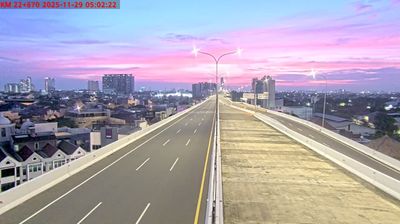
Bekasi: Jakarta Outer Ring Road
 Bekasi, Indonezija
Real-Time Environment
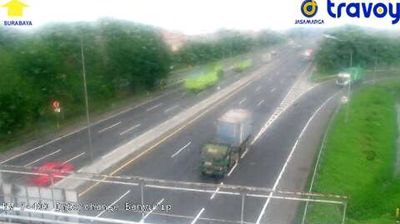
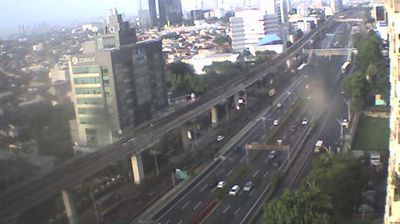
Welcome to the live streaming webcam for Bekasi: Jakarta Outer Ring Road, perfectly situated in the vibrant region of Bekasi, Indonezija. Watching this live camera allows you to instantly experience the local atmosphere and monitor current climate conditions.

About Bekasi
Bekasi is the largest city in the province of West Java and the third-largest city in Indonesia. Located on the eastern border of Jakarta, it serves as a commuter city within the Greater Jakarta. According to the 2020 Census by Statistics Indonesia (BPS), Bekasi had 2,543,676 inhabitants. The official estimate for mid 2025 was 2,648,272. It lies within the largest metropolitan area in Indonesia (Jabodetabek). The city is bordered by Bekasi Regency to the north and the east, Bogor Regency and Depok City to the south, and the city of East Jakarta to the west.
📖 Read more on Wikipedia📍 Location Facts
-
Country
 Indonezija
- Region Jawa Barat
- City Bekasi
- Coordinates -6.1439°N, 106.9399°E
Have you been to Bekasi?
Help the community! Share your experience, tell us about the weather, or upload your own photos from this exact location.