Džohor Baru
 Džohor Baru, Malaizija
Real-Time Environment
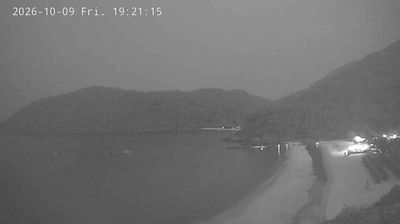
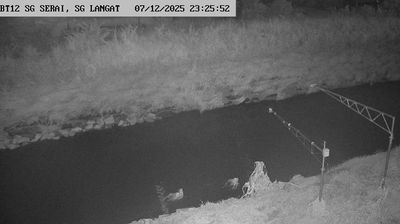
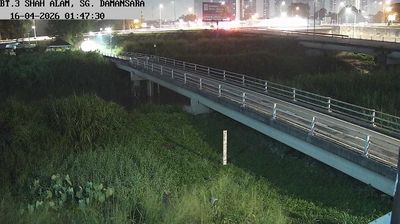
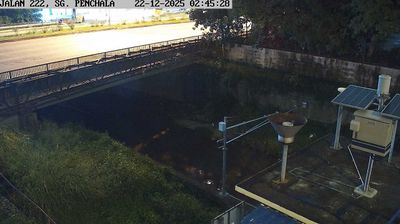
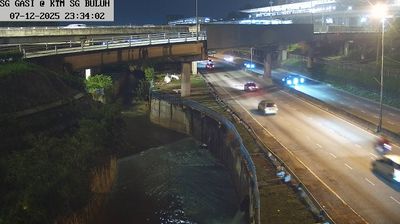
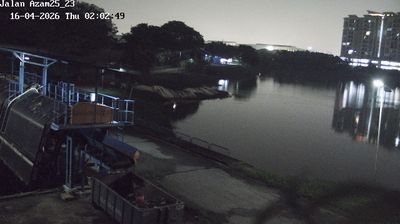
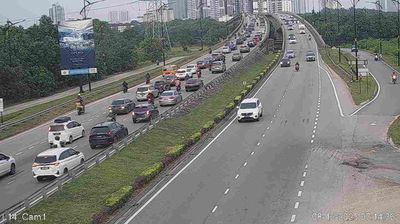
Welcome to the live streaming webcam for Džohor Baru, perfectly situated in the vibrant region of Džohor Baru, Malaizija. Watching this live camera allows you to instantly experience the local atmosphere and monitor current climate conditions.

About Džohor Baru
Džohor Baru arba Džohor Bahru – Malaizijos miestas, Džohoro valstijos sostinė, išsidėsčiusi Malakos pusiasalio pietuose. Tai antrasis pagal dydį miestas pagal gyventojų skaičių, nusileidžiantis tik sostinei Kvala Lumpūrui. Mieste gyvena apie 900 tūkst. gyventojų, o aglomeracijoje apie 1,8 mln. gyventojų. Miestas turi didelę įtaką valstybei kaip pramonės, kultūros, prekybos ir turizmo centras. Į Džohor Baru atvažiuoja 60 % Malaizijos turistų, kurie tiltais keliauja į kaimyninį Singapūrą. Džohor Baru yra vienas dižiausių pramoninių miestų šalyje.
📖 Read more on Wikipedia📍 Location Facts
-
Country
 Malaizija
- Region Džohoras
- City Džohor Baru
- Coordinates 1.4953°N, 103.7551°E
Have you been to Džohor Baru?
Help the community! Share your experience, tell us about the weather, or upload your own photos from this exact location.